Introducing Mailsbe - an email status finder
Find out if your email has been read or not.

Suppose, you have applied for a job through an E-Mail. You have sent the email two days ago but you haven't gotten any response. And you don't know if the employer read your email or not. Well no need to worry now because I have a solution for that, introducing Mailsbe.
Introduction
Mailsbe is an MIT Licensed open source project and a platform with the help of which you can find out if the Email sent by you has been read or not. It is a simple platform that has been designed by keeping the user's privacy in mind. We don't ask for full email read/write access. Instead, we provide a simple way to find the status of your email respecting your privacy.

Pages
The website is not that complicated, it is designed keeping convenience in mind. You will get only a few pages to interact with. The whole application can be divided into these parts:
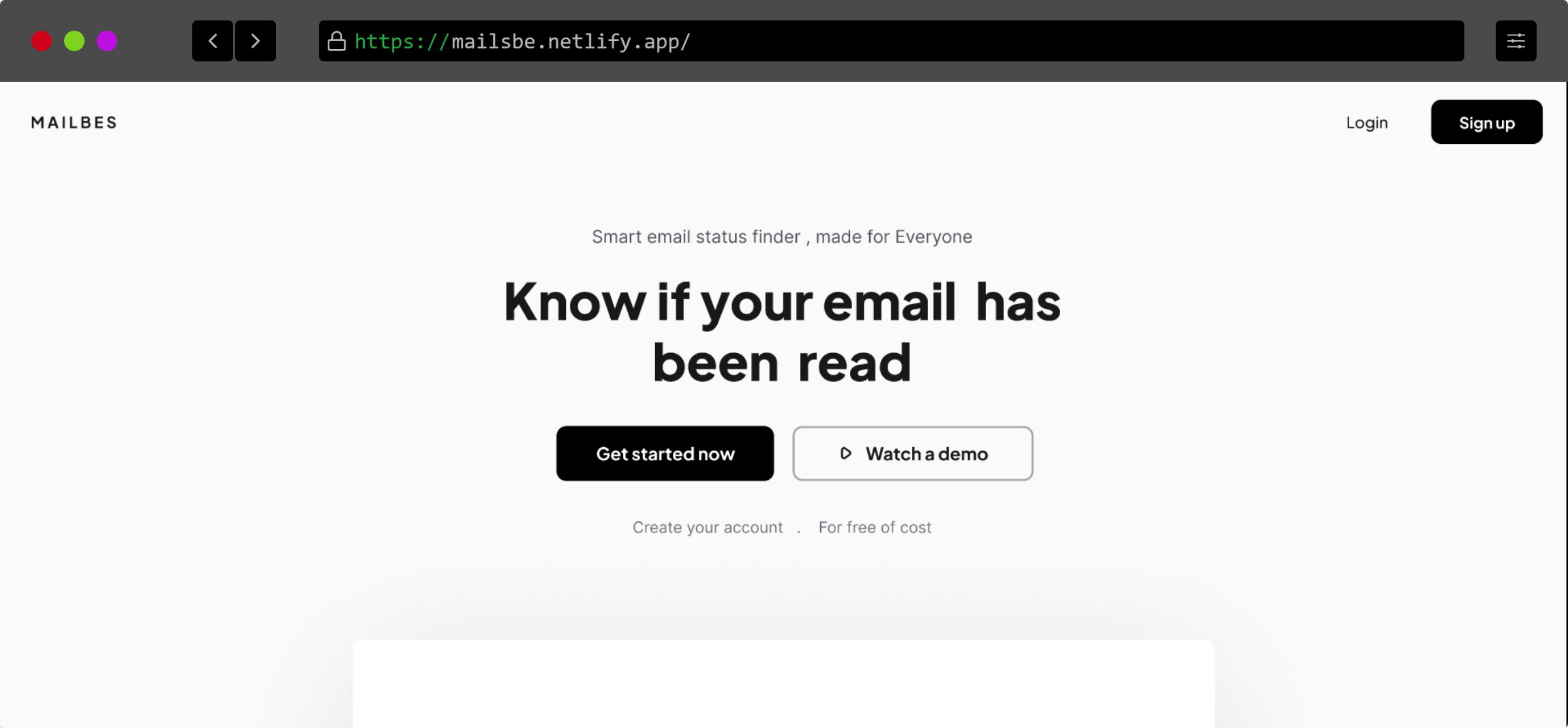
1. Home page
This is the page where you land when you come as a new user or if your session is expired. I tried to keep as simple as possible.
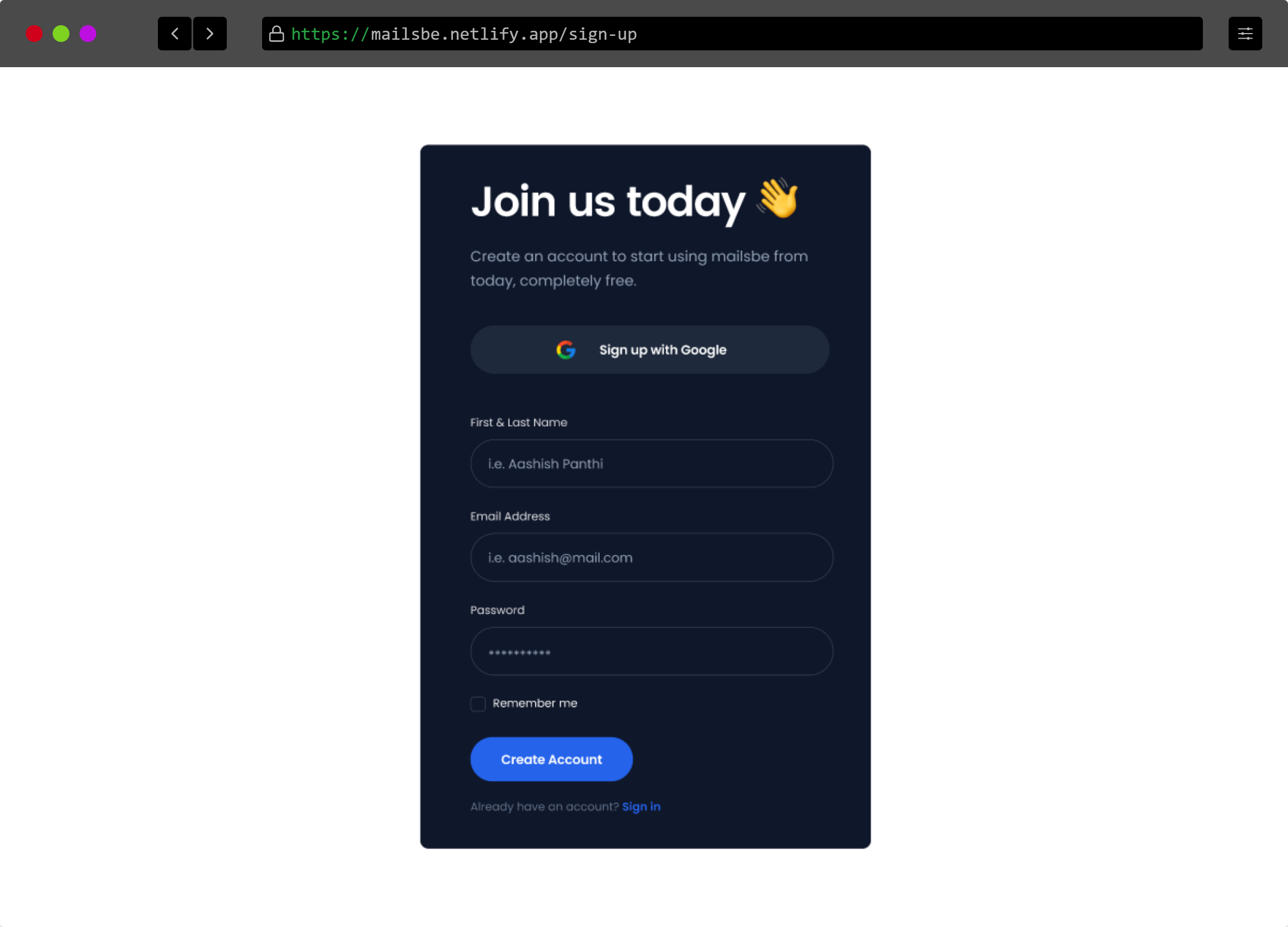
2. Sign in/Sign up
There are Sign in and Sign up pages used for authentication purposes. They are almost identical but little bit of change in functionality.
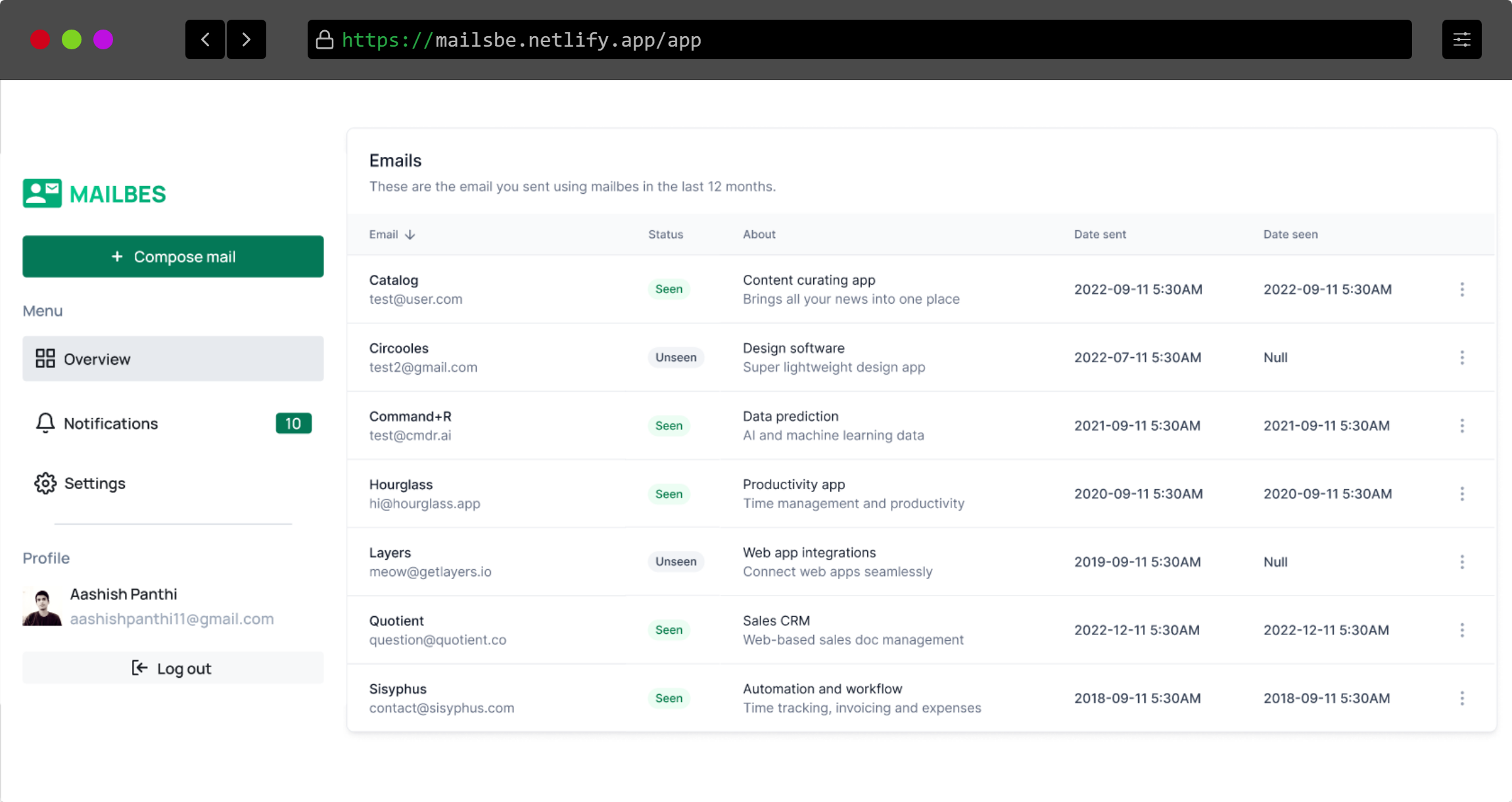
3. Dashboard
Here is all the magic that happens.
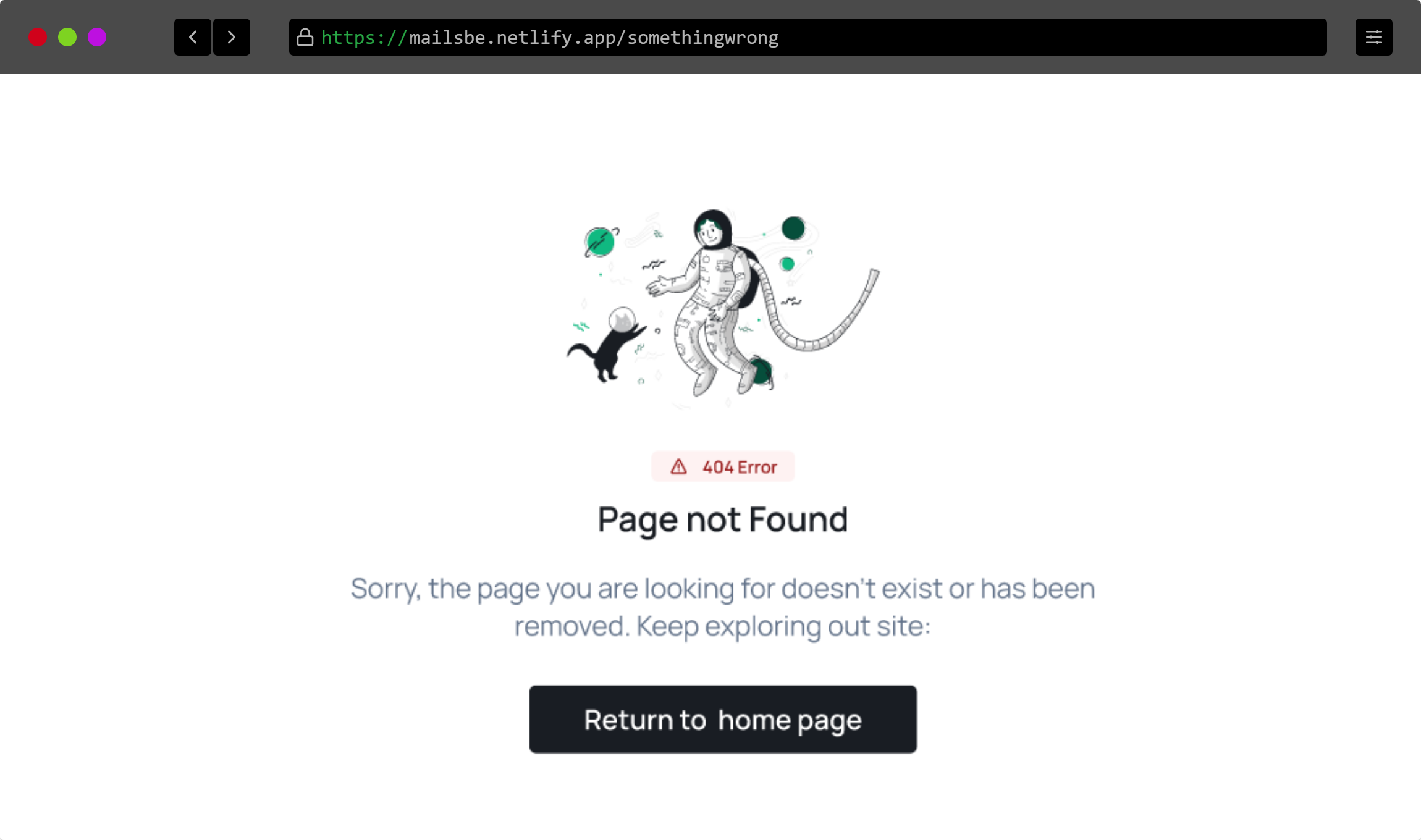
4. 404 error page
If you hit the route that is not available then you will be greeted with this simple 4040 error page that will help you navigate to home page,
👩💻Tech stack
It doesn't involve a very much complicated tech stack. Instead, it uses only a few technologies like React and Nhost.
- React -> For frontend part
- Nhost -> For user authentication, database and serverless function
- Netlify -> Frontend Hosting
If you don't know about Nhost then simply put it as a firebase alternative. Even officially, Nhost is called an open-source Firebase alternative with GraphQL.
Process
I am not going to explain all of the technical jargon here, instead, I will take you through the working process of the project.
First of all, you need to create an account. Then only you can access your dashboard. Inside of your dashboard, you will see the list of emails you have sent and complete detail about them. If you haven't sent any emails then you can send one by clicking on compose button on the top left side of the page.
No, you can't send emails from here. Instead, you will be provided an image (1x1 transparent pixel) which you can copy and paste to the email client from where you are sending the email. Then fill out some more information about the email (it will make it easy to find the email in the future) and click save.
After you sent your email, you can now access the status of the email on the dashboard. The status is either seen or unseen. The status will be updated when the receiver opens up the email you sent. And the serverless function helps to do that by accepting the receiver's request and updating it on the database.
Source code
💡 What did I learn?
I have made a few React projects in the past but I haven't made any project like this. I learned to use Nhost and most importantly I learned how to do pixel tracking. There were a lot of googling, frustrating moments, and bugs without errors. But I can summarize my outcomes here as follows:
- Using Nhost: From complete beginner to being able to use it conveniently.
- Pixel tracking: I was completely unaware of this until I step my foot onto it and experienced the real taste of it.
Summary
Overall the hackathon was a great experience for learning. I got to learn about Nhost, the network tab in the developer console and learned some better ways to google. And most important of all, I developed a new skill of being patient when my code doesn't work and I don't get any solutions at all. Taking help from friends on discord and shaping the app, the journey was awesome. If you haven't tried it yet, try it now.
Important links
About the author
I am a developer from Nepal who loves playing with tech.
Comments
Join the discussionNo comments yet. Be the first to comment.